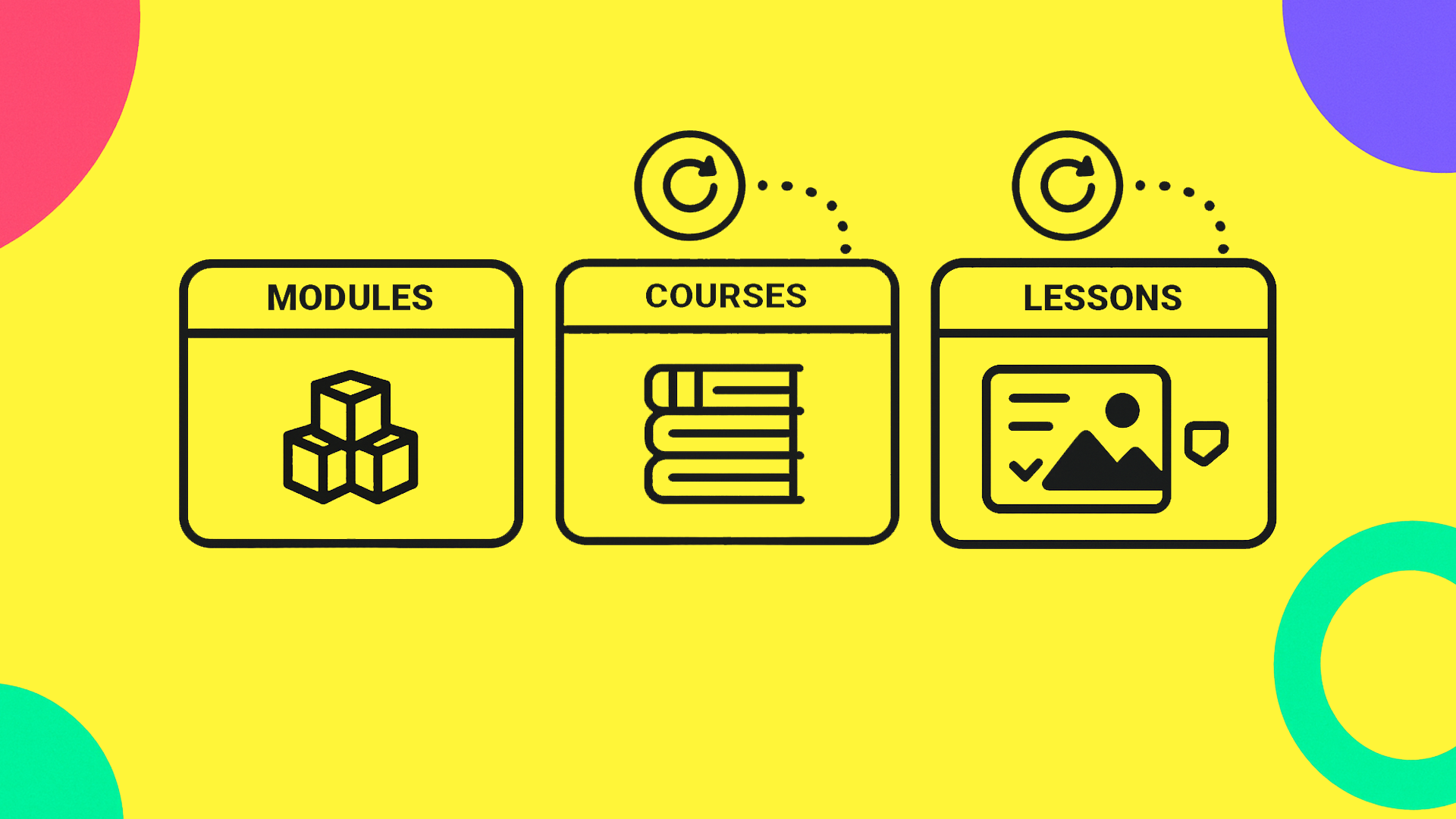
This lesson introduces the KreaTech content hierarchy (Course → Module → Lesson) as defined in the CMS platform. In other words, it explains how the structure is relevant from the point of view of the content creators, teachers, and the content beneficiaries, students. Teachers gain a structured way to build reusable material, while students follow a consistent learning path.
KreaTech's core structure is intentionally simple: Courses contain Modules, and Modules contain Lessons. Lessons can then link to quizzes and questionnaires for student self-assessment.
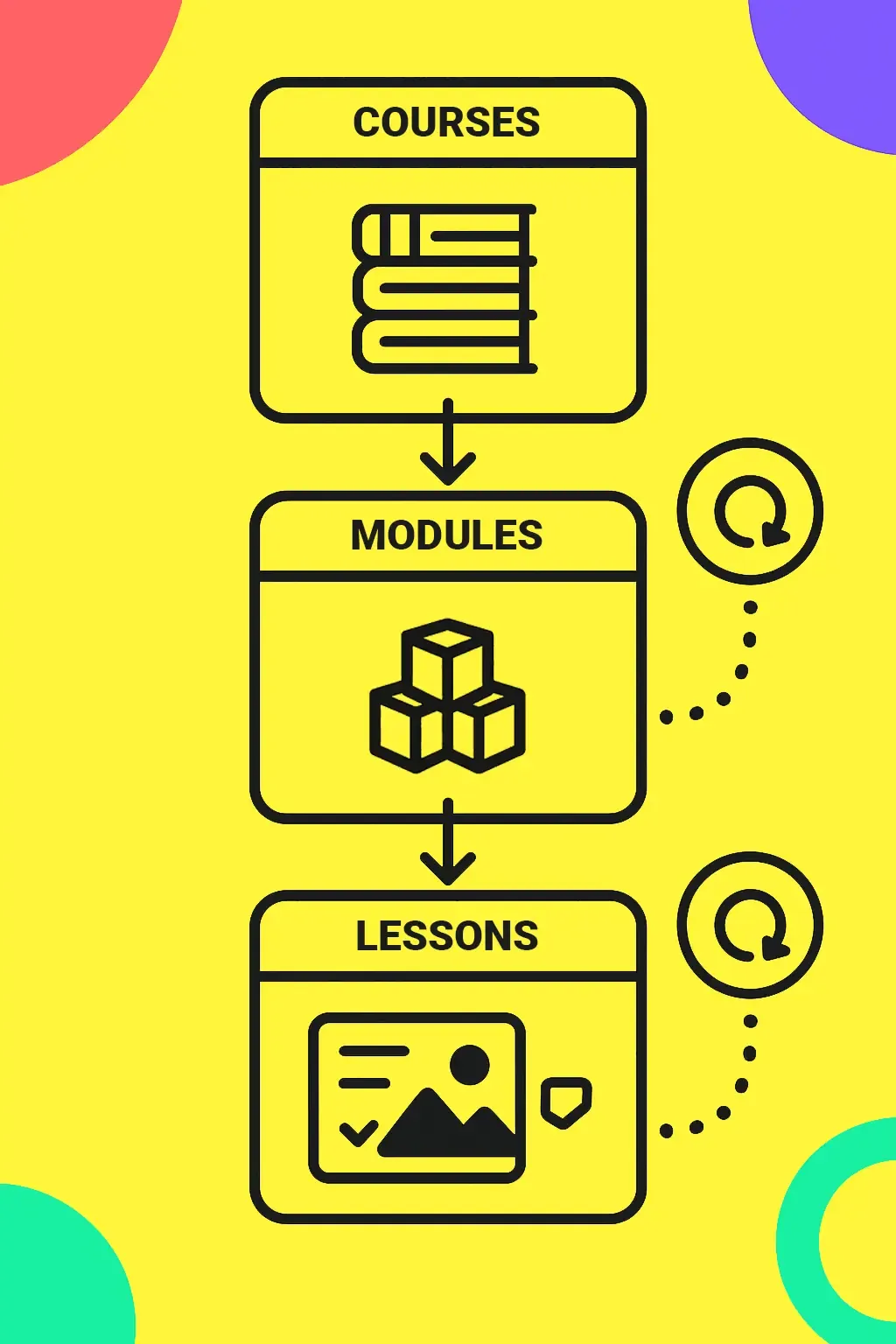
Courses contain modules, and modules contain lessons. Both module and lessons can be share other courses.
A lesson is the smallest unit in KreaTech's hierarchy. It is the element that can be created, reused, and attached to modules or courses. Without lessons, no module or course can exist.
But "atomic" does not mean indivisible in content. Within a lesson, teachers have full freedom to structure their material using headings, paragraphs, images, and embedded media (from Vimeo or YouTube) through the rich text editor. This provides teachers with a wide range of customisation options without becoming overly complex, while remaining a single, reusable block in the system.
A well-structured lesson typically includes:
Because lessons are modular, once written, they can be placed into multiple modules or courses. A strong lesson can live many lives and ease the workload of many teachers.
Finally, a lesson can also include a quiz. Quizzes are an optional but valuable feature. They provide immediate feedback, allowing students to test their understanding of the lesson content. In KreaTech, quizzes are lightweight self-checks, not substitutes for formal institutional assessment.
Current quiz types include:
Modules are the intermediate structures. If we had to use an analogy, lessons are like atoms, and modules are like molecules. A module holds a group of lessons together, giving them a purpose, a coherent story: hey divides a subject into logical stages and provides orientation for students.
As a teacher, you can also think of modules as a planning tool: they allow a large subject to be broken into smaller, teachable blocks.
Like lessons, modules also allow you to use rich text editing to add a clear and descriptive overview of the module's intent and goal, alongside a list of Learning Objectives. The list automatically appears in the header of the module page, providing students with a clear overview of the module's goal and informing them of what to expect next. As usual, any changes made in the admin panel, once published, are automatically rendered on the front pages for students to enjoy and digest.
Courses sit at the top of the hierarchy. A course defines the boundaries of a subject, sets expectations, and explains the requirements before the course starts, as well as the learning objectives of the course.
A good course description is concise and focused, serving two key roles: one technical and one practical. From a technical point of view, short course descriptions ensure that text can be rendered in full across devices of any size, whether a student is browsing on a desktop monitor or a mobile phone. From a practical perspective, concise descriptions make it easier for students to find relevant information and compare courses side by side in a catalogue or overview.
Students begin by entering a course page, where the description and high-level objectives are immediately visible at the top. From here, they see the modules listed in sequence, each labelled with its overview and objectives, giving a clear roadmap of the course before they select a starting point.
Entering a module takes the student into a module overview page; this provides a concise orientation at the top. Right under, the lessons that make up the module are displayed in order. Students can see at a glance which lessons are available and what each title suggests about its focus. This helps them plan their study schedule, review older lessons easily, or skip only to content they find interesting.
Within a lesson page, the teaching content itself takes the central position. Students read text, view embedded media, and access attached resources. If a quiz is available, it appears at the end, inviting them to test their knowledge. Navigation elements remain consistent, enabling students to move back to the module or continue to the next lesson without confusion.
[Course page]
↓
[Module page]
↓
[Lesson page] ──► (Optional) [Quiz at end]
KreaTech also supports a "resume last lesson" feature, allowing students to return directly to where they left off. All of this is done without the need for accounts and logins, increasing accessibility and the open access nature of the platform.